Excel Mastery Course
Become an Excel Reporting & Automation Specialist
Life Time Access
Practice Files Included
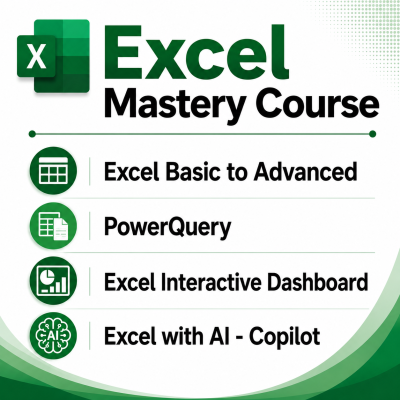
- 1) 30 Days Excel Fundamentals Course
- 2) Power Query (For Data Cleaning & Automation)
- 3) Interactive Excel Dashboards
- 4) AI in Excel with Microsoft Copilot
Learn by a top Microsoft Excel Expert & Microsoft Certified Trainer
Who Should Join ?
This Course is Perfect For
Excel users who have completed the 30 Days Excel Course or near completion
Students looking for job-ready Excel skills
What will you get in this Excel Mastery Course?
(4 Premium Courses)
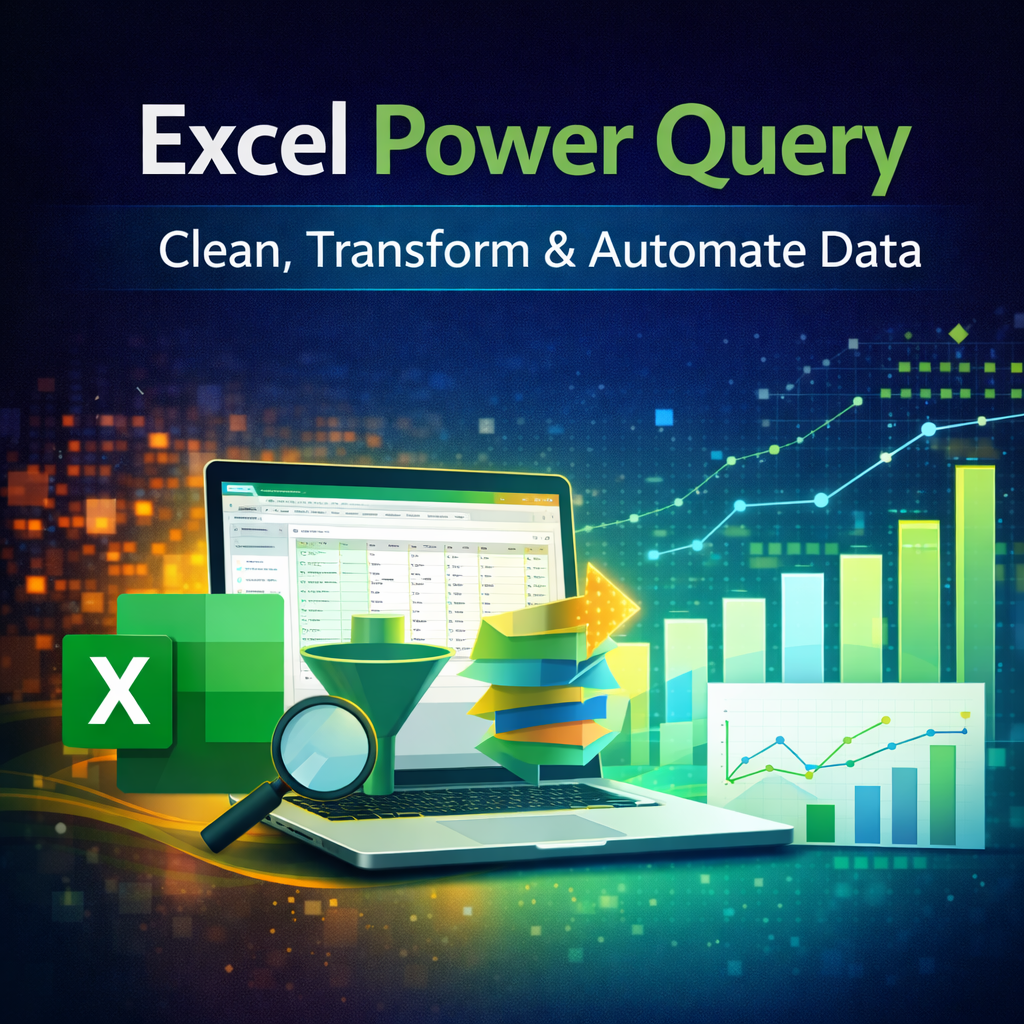
Power Query
You will learn step by step how to clean messy data and do automate the data cleaning process
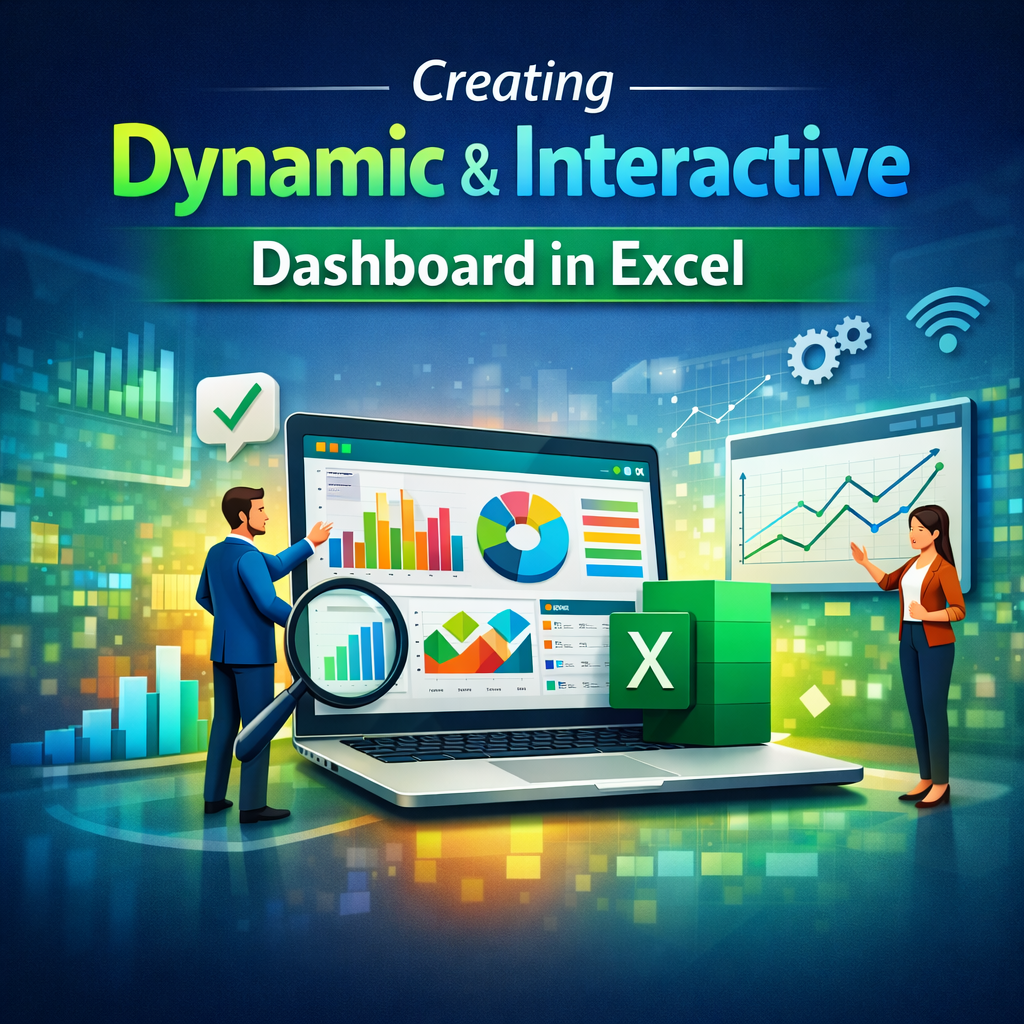
Creating Excel Dashboard
You will learn how to building Dynamic & Interactive Dashboard in Excel
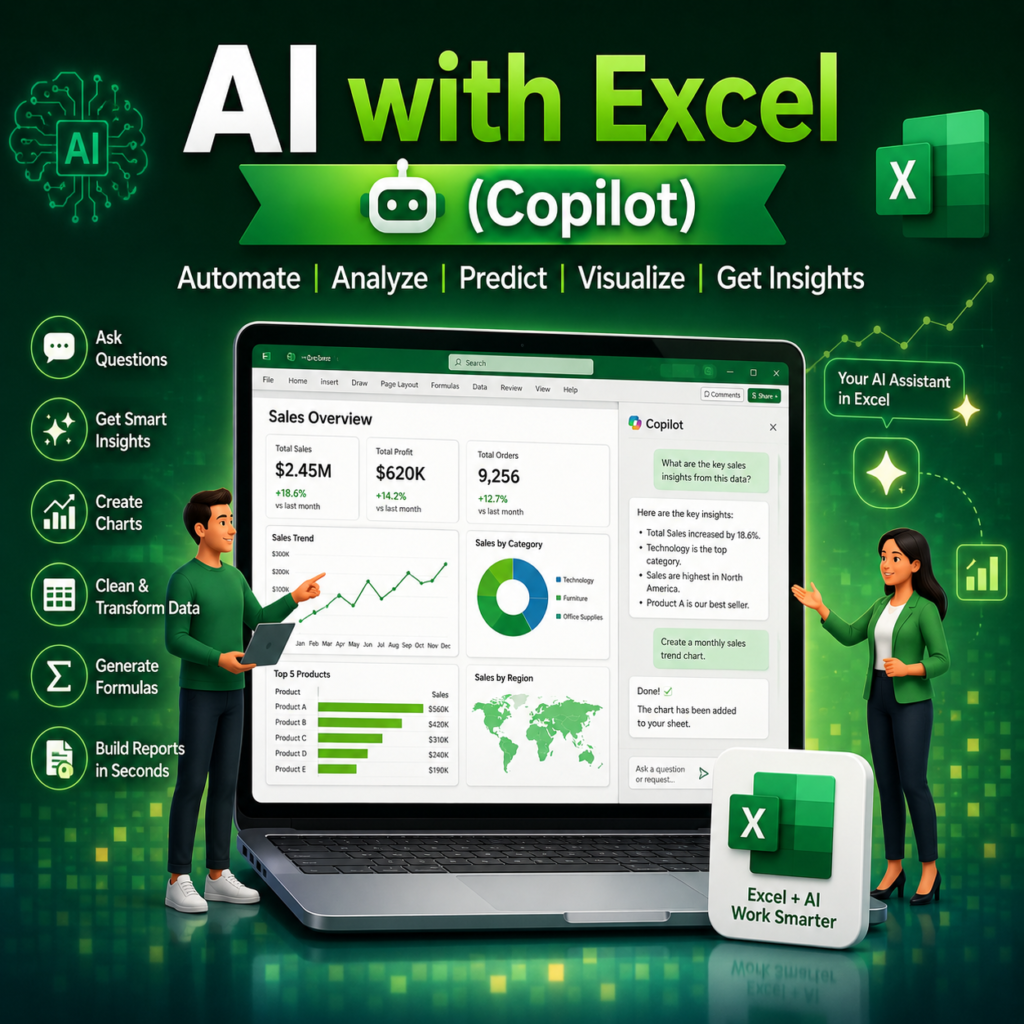
Excel with AI - Copilot
You will learn in detail how to use Copilot in Excel which is used in the corporates
Meet your Trainer

- Microsoft Excel Specialist
- Microsoft Certified Trainer
- Power BI Analyst
- 55,000+ Students Trained
Register before October 26, 2026 to unlock bonuses
Get your Microsoft Excel Certification
Yes, you will receive certification from a Microsoft Certified Trainer, which lends a lot of credibility to your certificate and resume.

You may not believe me, but you can believe them
Experiences shared by people who previously attended this workshop
Register before October 26, 2026 to unlock bonuses
By the End of This Program You Will be able to
-
Clean data automatically
-
Build professional dashboards
-
Create management reports
-
Use AI to speed up Excel work
-
Become job-ready
Frequently Asked Questions
We have answered all common questions below that you might have about the workshop. For any further queries, please reach us at contact@upgradeskill.in
Write to us at contact@upgradeskill.in and our support team will be able to resolve your issue in the shortest amount of time.
All the Videos are Pre-Recorded, hence you can watch at anytime – anywhere
There is no prior experience required for this workshop.
No. We do not offer refunds in any case. If you are unsure about the workshop, read testimonials, learn more about the trainer, and make an informed decision. If you miss the live workshop, we will move you to the next batch only ONCE.
Yes, you will receive a certificate of completion from a Microsoft Certified Trainer after completing the workshop.
All the Videos are Pre-Recorded, hence you can watch at anytime – anywhere
The course includes approximately 15–20 hours of on-demand video training. Since it is self-paced, you can learn at your own convenience. Most learners complete the program within 4–8 weeks.
All practice files and resources used during the training are included.
₹999 ₹5000
3400+ Enrolled